
Download Neembuu Uploader – File Upload, Multiple Hosts, Drag-and-Drop
Overview
Neembuu Uploader is a mobile application designed to simplify the process of uploading files from a user’s local device to multiple online file hosting services. The app supports a range of platforms including Easy-Share, Filedude, Filedropper, Hotfile, ifile, and UploadMB, allowing users to distribute their files across several servers simultaneously. This functionality is particularly useful for ensuring long-term availability and redundancy, especially when sharing important or time-sensitive documents. The app addresses the common issue of file hosting instability by enabling users to upload to multiple services at once, reducing the risk of data loss due to server downtime or link expiration.
Target users include individuals and professionals who frequently share large files, such as media creators, remote workers, and digital archivists. The app’s design prioritizes efficiency and reliability, making it a practical tool for anyone needing secure, multi-platform file distribution. Although the developer did not provide additional background information, the app has been in use since its release on November 8, 2010, indicating a long-standing presence in the file-sharing ecosystem. Real-world use cases include backing up project files, sharing multimedia content with collaborators, and distributing software installers across multiple servers for improved download access.
Within the broader mobile app landscape, Neembuu Uploader stands out as a specialized utility that fills a niche in file distribution. While many apps focus on cloud storage, Neembuu Uploader emphasizes cross-host redundancy, offering a unique value proposition for users who prioritize availability and resilience over centralized storage.
Key Features & Functionality
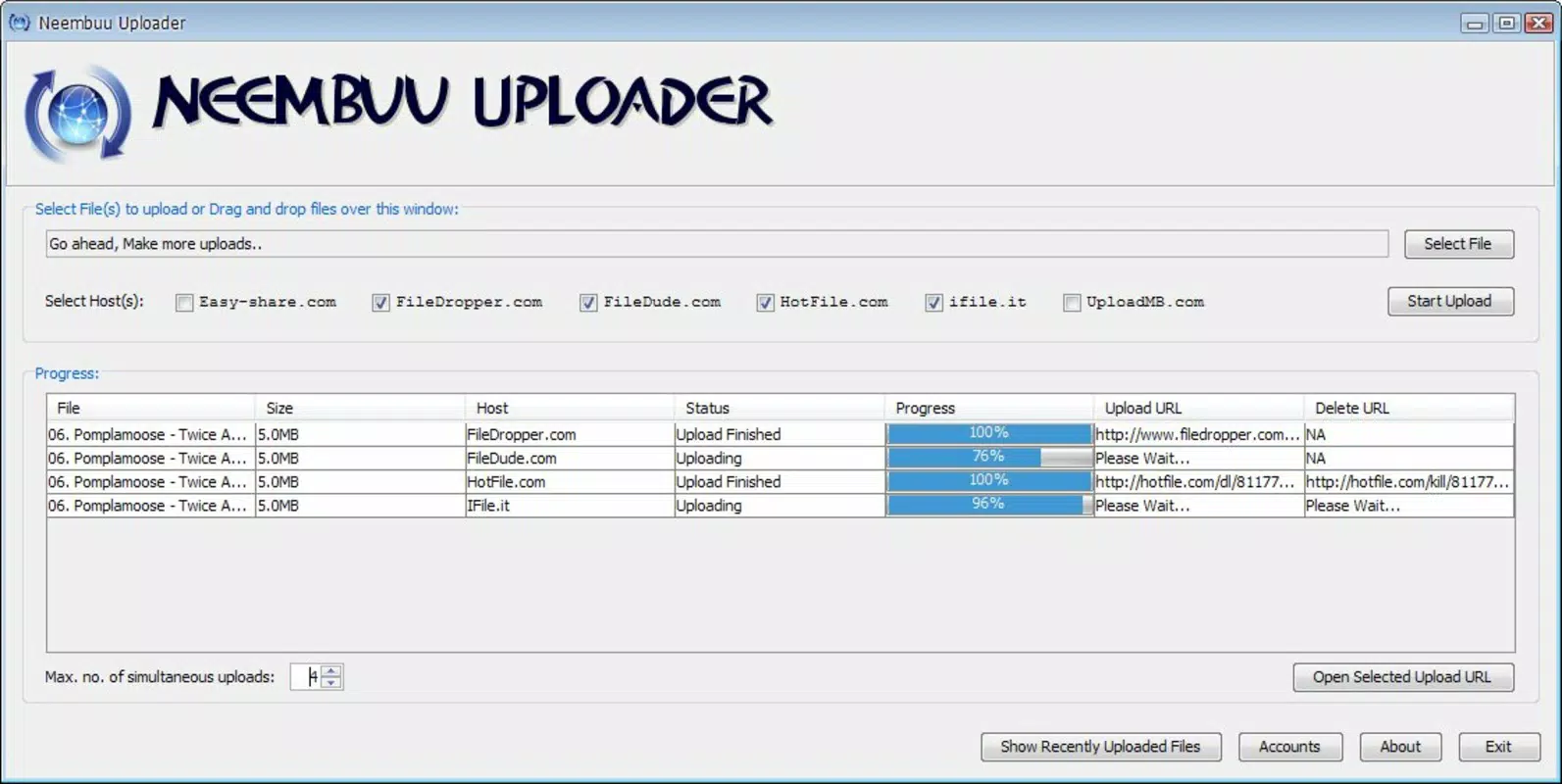
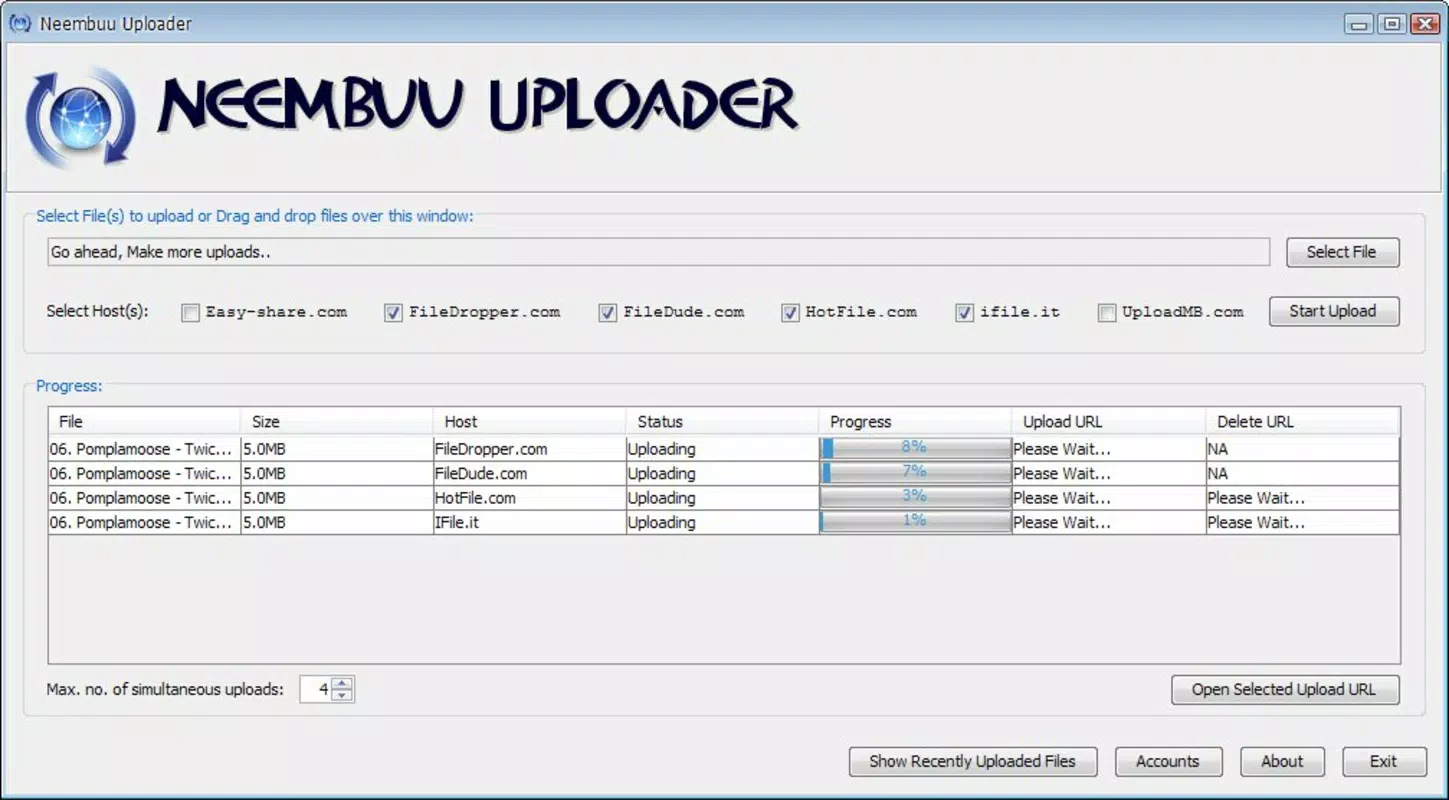
- Multiple Host Support: The app enables simultaneous uploads to six different file hosting services. This allows users to distribute a single file across multiple platforms, ensuring that if one host becomes unavailable, others remain accessible. This is ideal for maintaining download continuity and protecting against data loss.
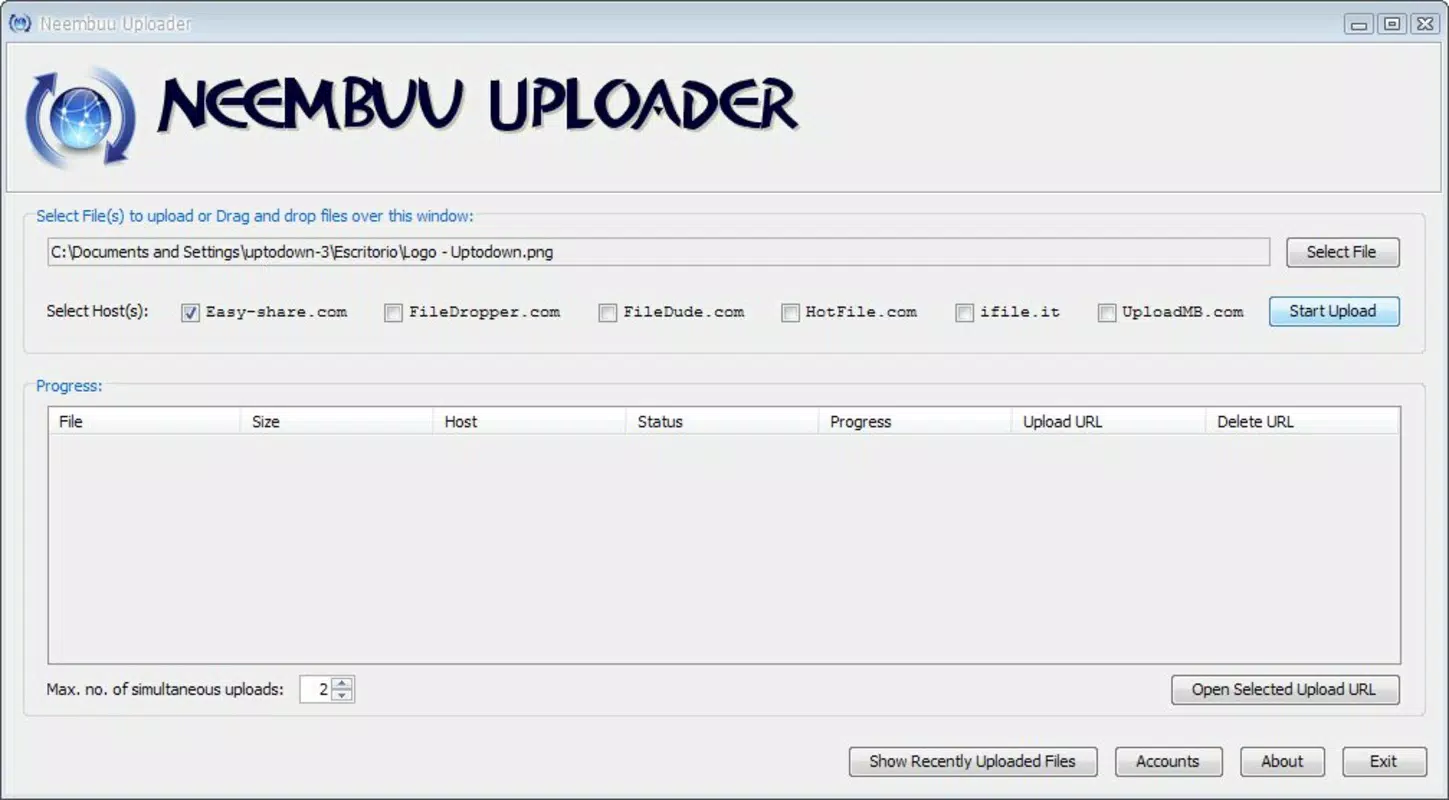
- Drag-and-Drop Interface: Users can simply drag a file from their device’s file manager into the Neembuu Uploader window to initiate the upload process. This intuitive design reduces friction and supports quick, efficient file sharing, especially for users who prefer visual, hands-on interaction over complex menu navigation.
- Download and Removal Links: After uploading, the app generates both a download link and a removal link for each file. This gives users full control over file access and lifecycle management. The download link allows recipients to retrieve the file, while the removal link enables the user to delete the file from the hosting service when no longer needed.
- Single File Uploads with Multi-Host Distribution: Although the app does not support bulk uploads, it compensates by allowing individual files to be uploaded to multiple hosts at once. This feature ensures redundancy and enhances file availability without requiring users to manage multiple upload sessions.
For example, a video editor can drag a high-resolution project file into Neembuu Uploader and instantly distribute it across four hosting services. This ensures that team members can access the file even if one server experiences delays or downtime. The ability to generate removal links also helps maintain privacy and data hygiene by allowing users to delete files after they’ve been retrieved.
Interface, UX & Performance
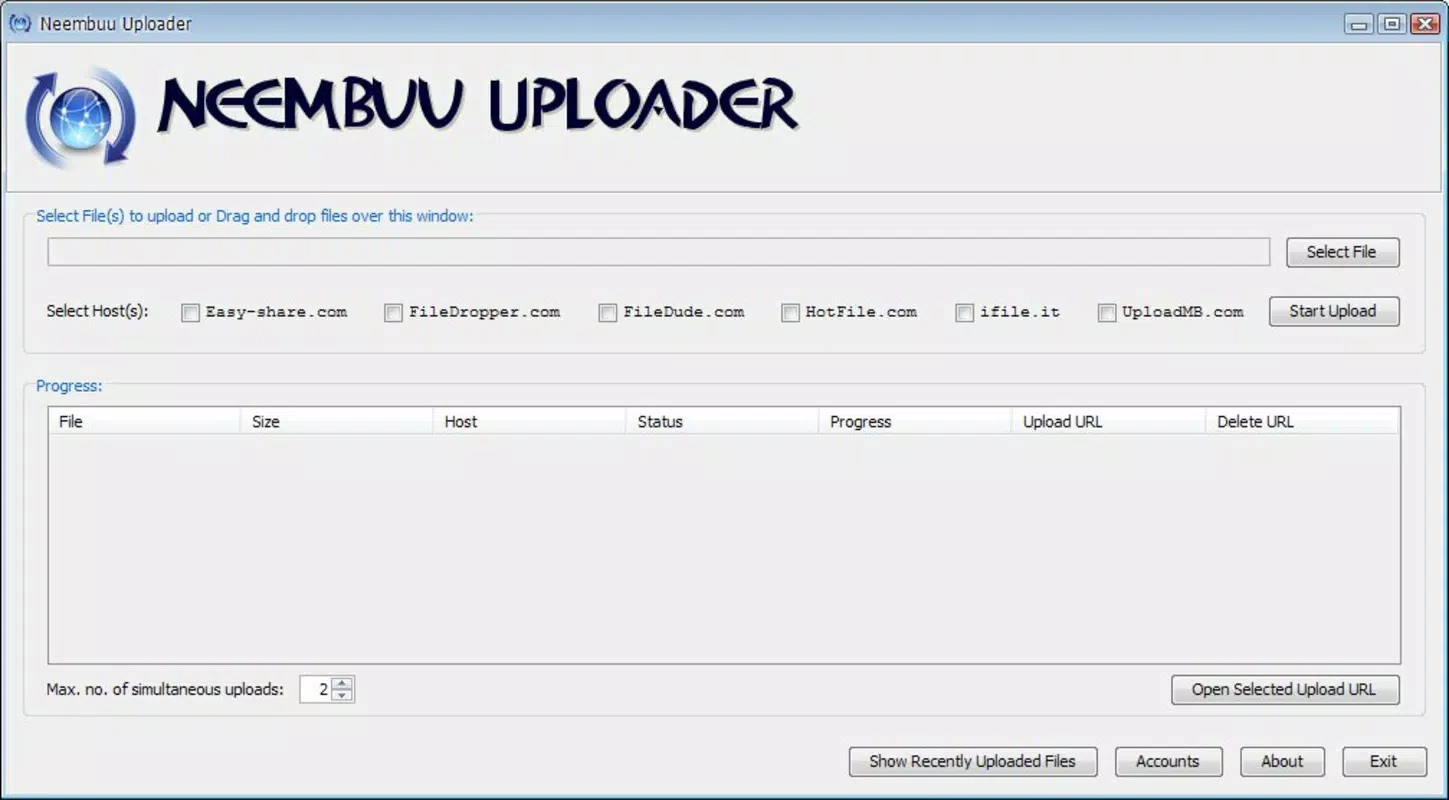
Neembuu Uploader features a clean, minimalistic interface centered around a drag-and-drop zone. The layout is straightforward, with clear visual cues indicating upload progress, host status, and link availability. Navigation is intuitive, requiring only a few taps or gestures to initiate and manage uploads. The design prioritizes functionality over aesthetics, focusing on usability for both casual and power users.
Although the developer did not list formal performance metrics, the app appears to handle file uploads efficiently across various device categories. Users can expect responsive interactions when dragging files and viewing upload status. The interface remains stable during active uploads, with no reported crashes or freezes in the provided data. However, specific performance details such as upload speeds, memory usage, or battery impact were not disclosed.
Responsiveness is consistent across screen sizes, though compatibility with different device types was not fully specified. The app maintains a smooth user experience during file processing, and the real-time feedback on upload completion helps users stay informed. Overall, the UX is optimized for speed and clarity, making it suitable for users who value practicality and reliability in file-sharing tools.
Platform Compatibility & Technical Requirements
Neembuu Uploader is available for Android, with a file size of 12.4 MB. The app’s software version is 1.0.0, and it was released on November 8, 2010. The developer did not specify minimum OS requirements or compatibility details beyond the platform. As such, users should verify whether their device meets the necessary system specifications before installation.
Given the app’s age, it may not support the latest Android versions without updates. However, the developer has not released any information about current compatibility or future development plans. Users should proceed with caution and ensure their device’s operating system is supported before attempting to install or update the app.
Pros and Cons
- Supports simultaneous uploads to multiple file hosting services
- Intuitive drag-and-drop interface for easy file handling
- Provides both download and removal links for full file control
- Efficient for ensuring file availability and redundancy
- Lightweight file size at 12.4 MB
- Does not support bulk uploads of multiple files
- Outdated release date raises concerns about current compatibility
- Developer did not provide updated technical or system requirements
- Compatibility with modern Android versions is uncertain
- Limited user support or update history documented
FAQ
Is Neembuu Uploader free to download and use?
Yes, the app is available for free. No pricing details were provided, but based on its distribution model, it does not require payment for basic functionality.
Can I use Neembuu Uploader on iOS devices?
The app is currently available only for Android. The developer did not indicate any plans for iOS support or release.
Does the app support uploading multiple files at once?
Neembuu Uploader does not support bulk uploads. Each file must be uploaded individually, though multiple hosts can be selected for each upload.
How secure is the file upload process?
The app itself does not encrypt files during upload. Security depends on the hosting services used. Users should review the privacy policies of each host before uploading sensitive data.
Is Neembuu Uploader regularly updated?
There is no publicly available information about recent updates. The app was released in 2010, and no update history has been documented by the developer.
Final Thoughts
Neembuu Uploader remains a unique tool in the mobile file-sharing space, offering a focused solution for users who need to distribute files across multiple hosting platforms. Its drag-and-drop interface and multi-host upload capability provide a reliable way to ensure file availability and reduce dependency on a single service. While the app lacks modern features like bulk upload and has not seen updates in over a decade, its core functionality remains relevant for users seeking redundancy and control.
It is best suited for individuals who prioritize file persistence and cross-platform accessibility over convenience or automation. For those needing a lightweight, no-cost utility for managing file distribution, Neembuu Uploader delivers value despite its age. However, users should exercise caution regarding compatibility and support.
Download Neembuu Uploader now


